

What “home automation” actually covers
The phrase gets used loosely. A smart bulb is not home automation. Eight categories of work, integrated, are.
- Infrastructure — structured cabling, enterprise Wi-Fi, network segmentation. The foundation everything else stands on.
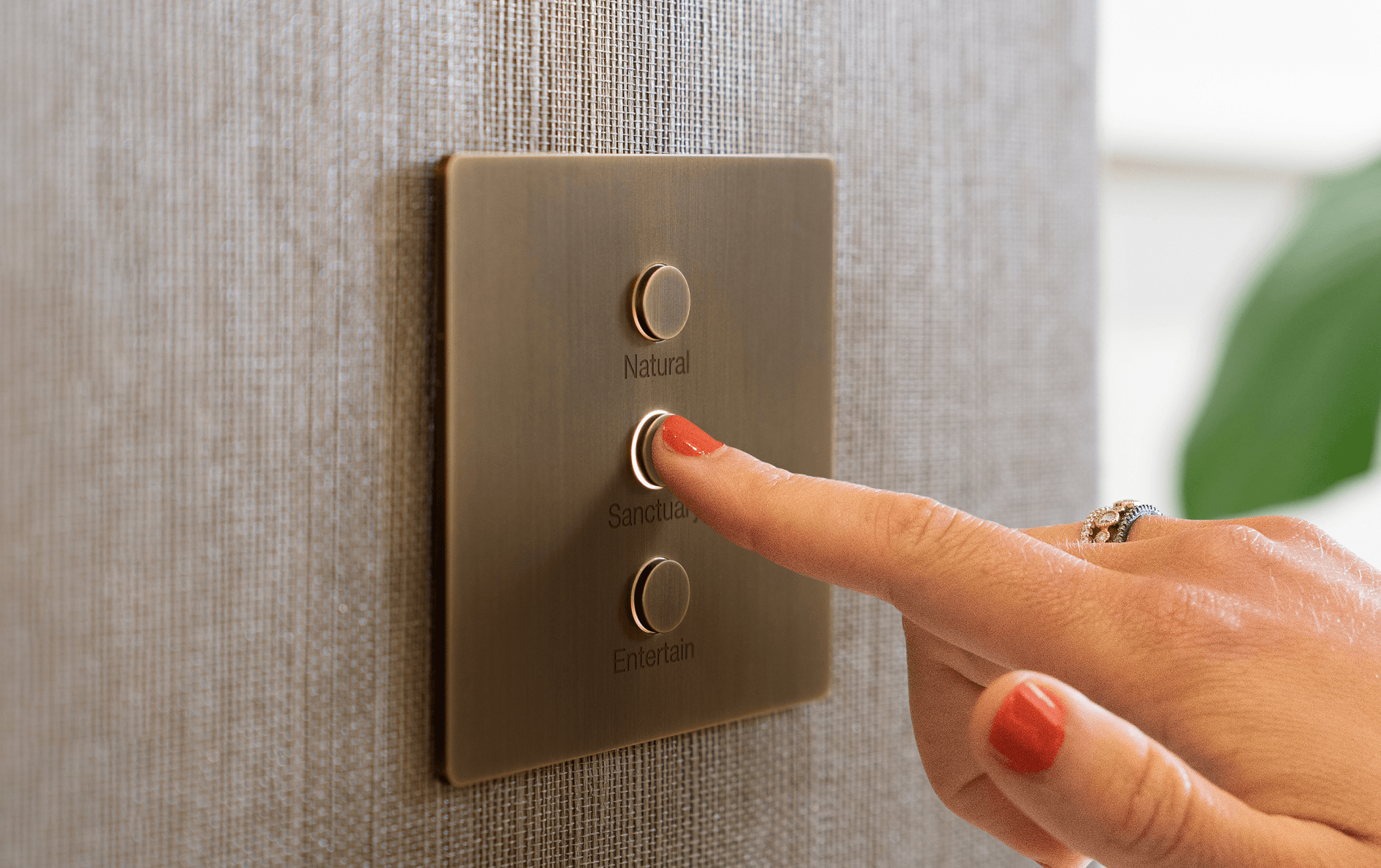
- Lighting control — keypads, dimmers, scenes, tunable-white circadian lighting. The visible system most owners notice first.
- Motorized shading — fabric and roller shades on schedules, sun-tracking, integration with lighting.
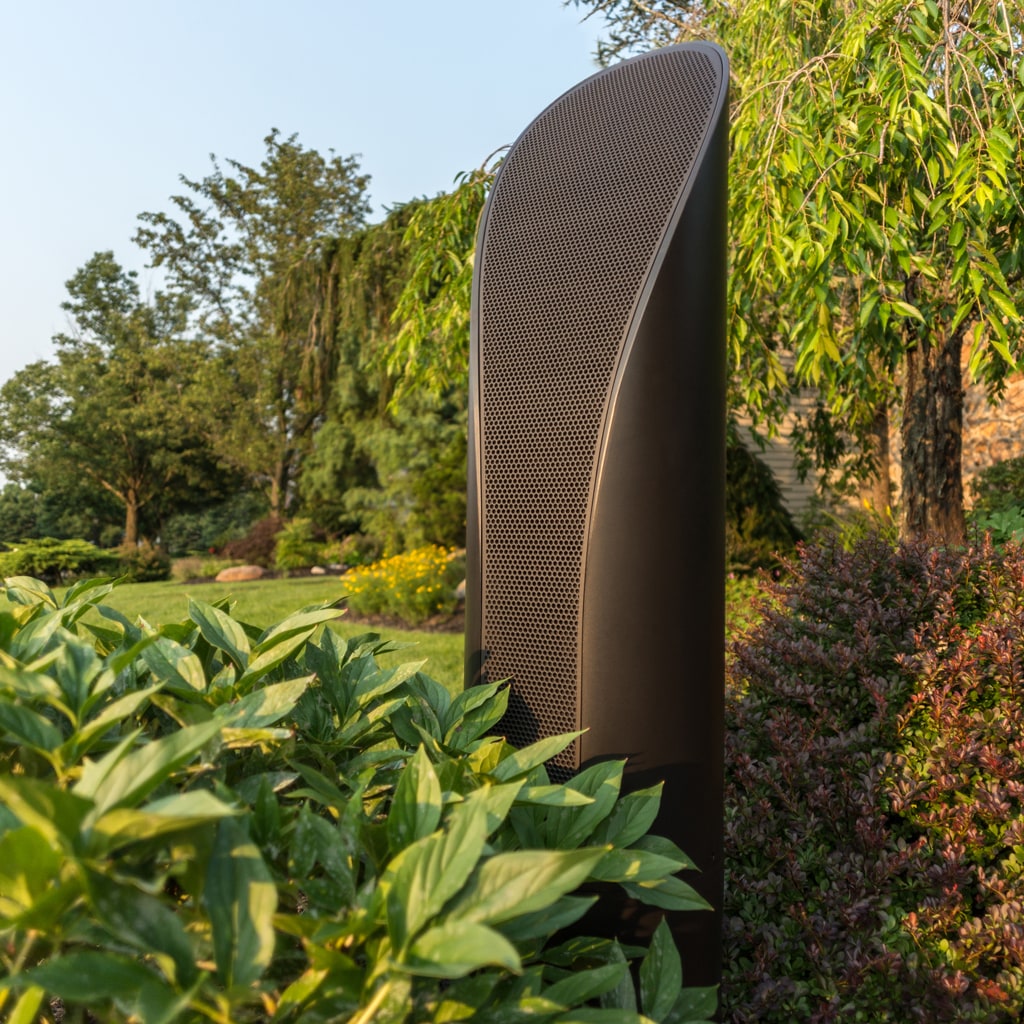
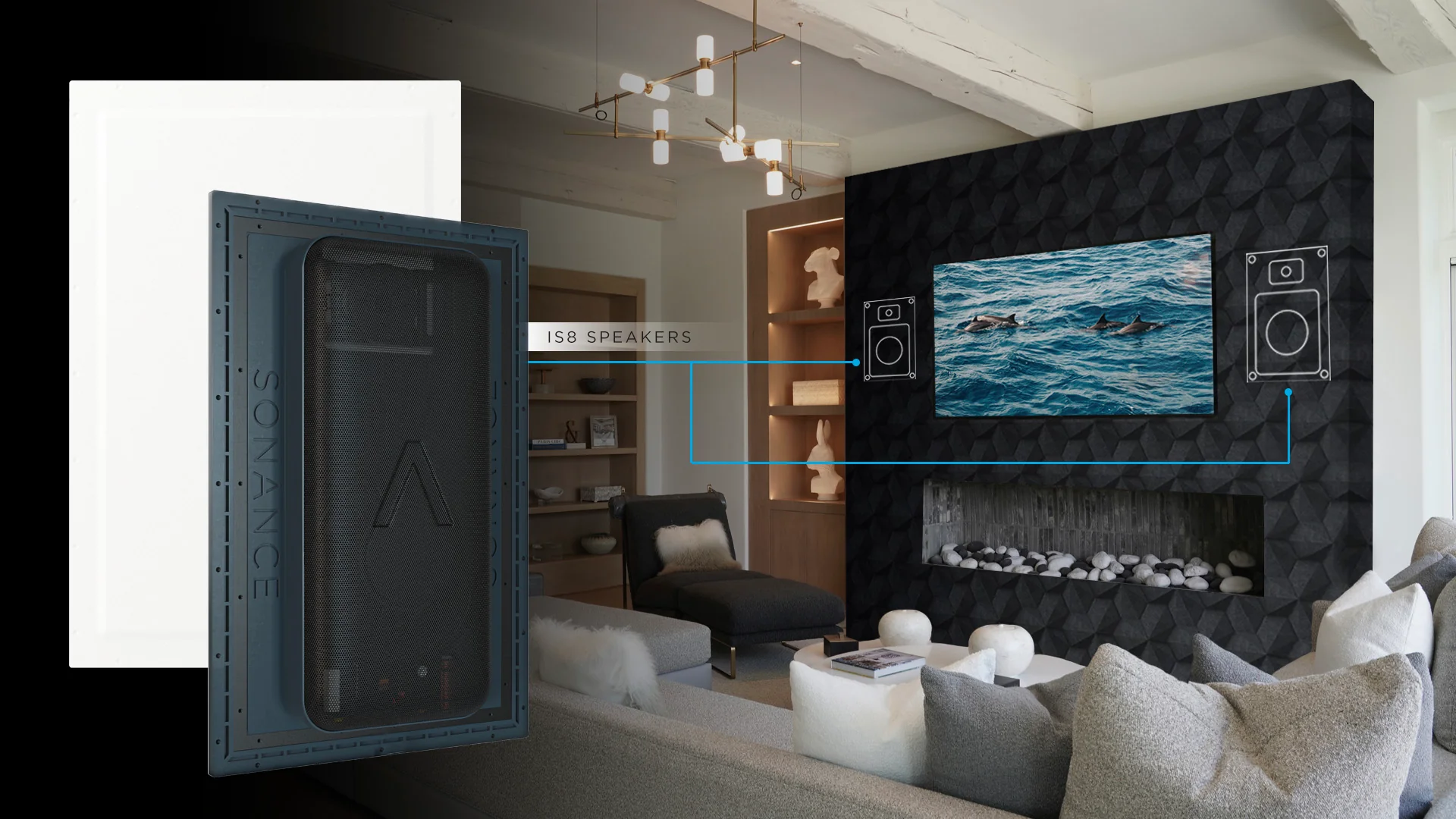
- Distributed audio — in-ceiling, in-wall, and invisible (plaster-over) speakers across rooms with multi-zone control.
- Video distribution — TVs as endpoints, sources centralized in a closet, accessible from every room.
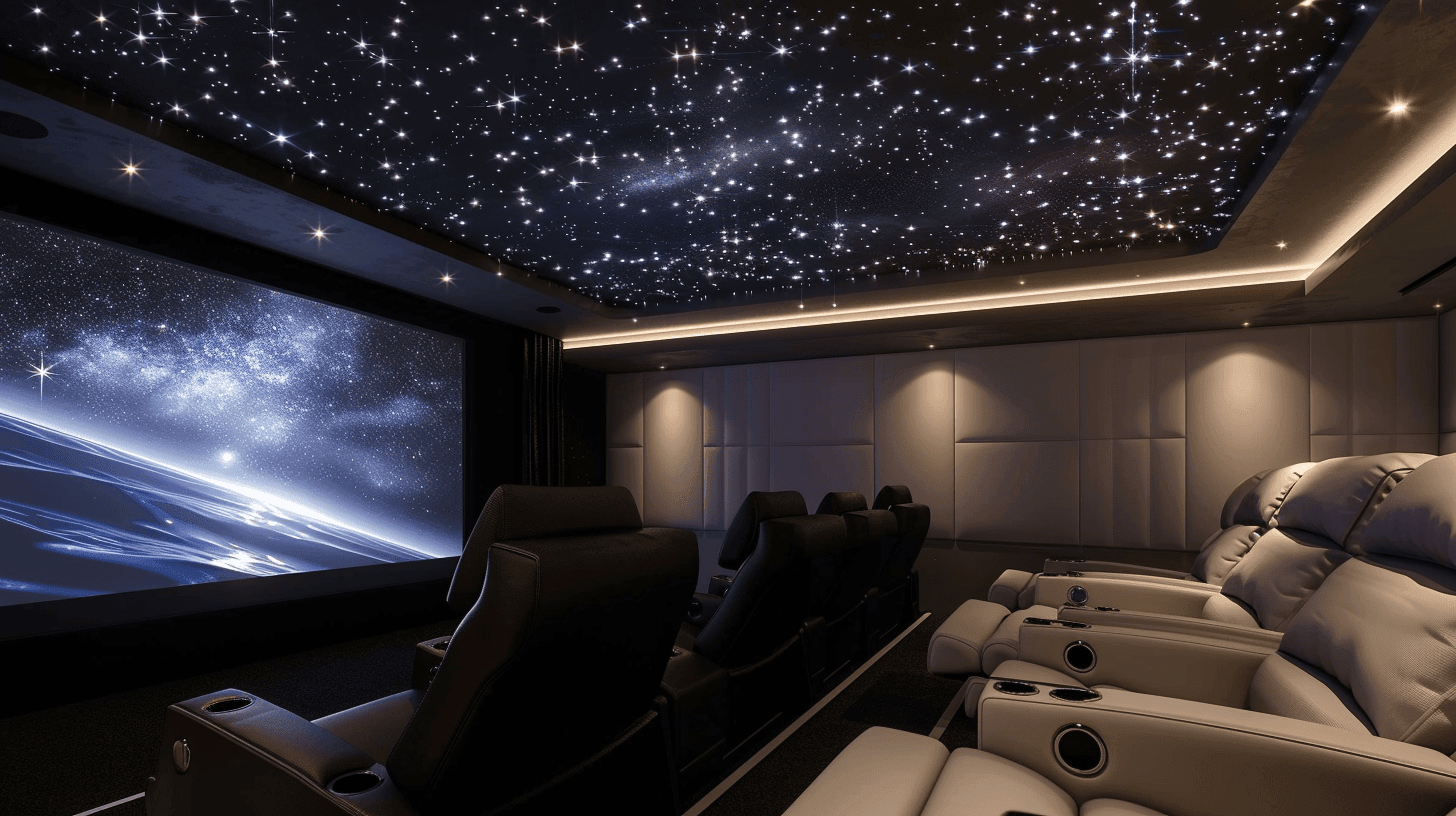
- Home theater / media room — dedicated rooms with acoustic treatment, projection or LED video walls, immersive audio.
- Security & access — cameras, door access, monitored alarm — one platform, one app, one bill.
- Climate & energy — thermostats, motorized vents, sub-metering, battery backup integration.
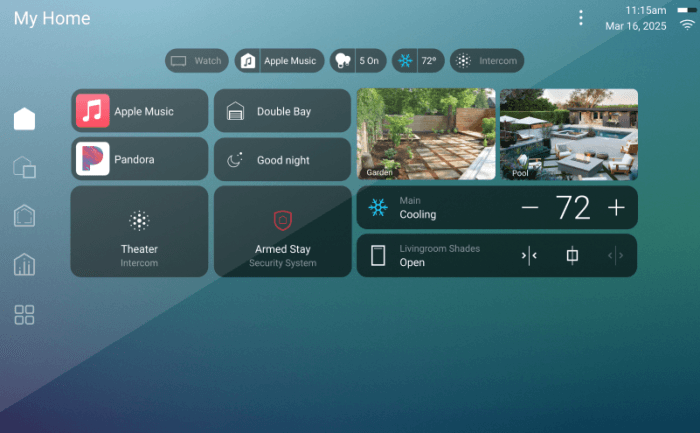
Most owners start with two or three categories and add the rest over time. The architecture of a real system — wired backbone, professional commissioning, programming you own — is what lets you do that without re-buying the foundation.
The four tiers — what each one actually buys you
The Home Technology Association uses five tiers in its budget tool. We collapse to four because we don’t sell the rock-bottom entry-level work, so the bottom two merge. These are the four tiers we design to.
Essentials
Clean professional install. Solid mainstream gear, conduit and structured wire where it counts, polished finish. Control4 EA-1 driving lighting + a few rooms of audio, Sonos for music, Ubiquiti for network, basic smart locks and cameras. Looks tidy, works reliably, doesn’t pretend to be more than it is. Right answer for a starter luxury home or a homeowner phasing in: build the foundation now, layer Premium pieces later.
Premium
Custom and concealed. Lutron RA3 lighting across the home, Control4 EA-5 with custom programming, Sonance invisible speakers in primary rooms, fully concealed wiring with millwork built around it. Wi-Fi tuned for the floor plan with VLANs separating family / IoT / guest. It’s the tier where the system stops being something you notice and starts being something the family takes for granted.
Concierge
Reference-tier equipment with full programming and commissioning. Crestron Home or Lutron HomeWorks QSX with Palladiom keypads. Wisdom Audio speakers in the primary listening rooms. Kaleidescape source. UniFi Enterprise backbone. White-glove service plan with defined response times. The owner expects the system to work without thinking about it for years, and we expect to be the call when it doesn’t. Most projects at this tier include a dedicated theater room.
Estate
No-compromise. Crestron CORE on the automation side, Lutron HomeWorks QSX with multiple processors and Palladiom shades throughout, Steinway Lyngdorf or Wisdom Audio L-Series, Barco or C SEED display tech, Trinnov processing, redundant network core with cellular failover. Bespoke programming. The system is built into the architecture rather than installed onto it. There is no upgrade path from this tier — it already is the upgrade.
The brand ladder, by category
Every category has a ladder, and the tier you pick carries the ladder with it — Concierge means Lutron HomeWorks, not Caseta. Here’s the full map so you know what you’re looking at.
Automation control
Apple Home or Google Home (DIY ceiling) → Control4 EA-1 (entry-pro) → Control4 EA-5 (mid-tier homes) → Crestron Home (custom-UI projects) → Crestron CORE (full bespoke programming).
Lighting
Lutron Caseta (apartments, small homes) → Lutron RA3 (mid-sized homes, hardwired + wireless together) → Lutron HomeWorks QSX (large homes, 1,000+ devices, architectural keypads) → HomeWorks QSX with Palladiom shades and Ketra tunable-white (the top end).
Audio
Sonos (DIY ceiling, easy multi-room) → Sonance + James Loudspeaker (in-wall and in-ceiling at scale) → Stealth Acoustics or Sonance Invisible Series (plaster- over, never visible) → Wisdom Audio P-Series or Steinway Lyngdorf (reference listening rooms) → Steinway Lyngdorf P300 2.1 or a Trinnov Altitude processor (estate-tier reference).
Video
Sony BRAVIA (mainstream luxury) → LG OLED + Sony VPL laser projection (premium rooms) → Sony VPL-XW7000ES and Kaleidescape Strato source (dedicated theater) → Barco Bragi cinema projector and Kaleidescape Terra (estate-tier dedicated theater).
Motorized shades
Lutron Serena (battery, retrofit) → Lutron Sivoia QS (hardwired, or QS Wireless) → Lutron Palladiom (rigid cassettes, architectural integration) → Crestron custom-fabric shading with Hartmann & Forbes treatments.
Network
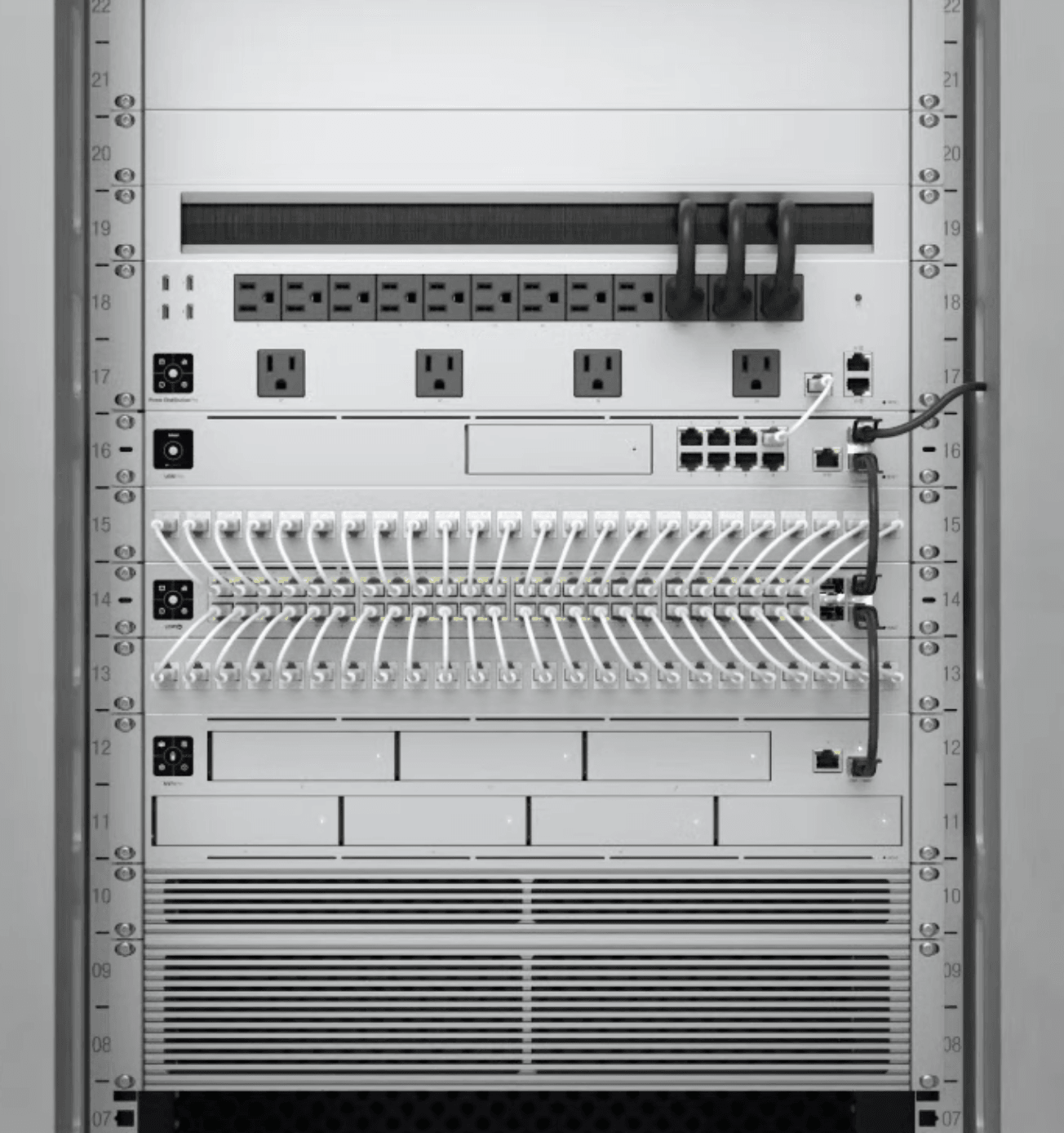
Eero or consumer mesh (sub-luxury) → Ubiquiti UniFi (small luxury, the entry of pro-grade) → UniFi Pro with Wi-Fi 6E + VLAN segmentation (mid-tier) → UniFi Enterprise with multi-gigabit campus switching (concierge) → UniFi Enterprise Fortress Gateway, redundant ISP with cellular failover (estate).
The hidden costs nobody warns you about
Five lines many quotes leave out. We would rather you plan for these from day one than discover them in year three.
Annual service plan
Recommended at Premium tier and above. Covers firmware updates, proactive monitoring, priority response when something breaks; scoped to the system. Without it, you pay per visit when something breaks — usually about the same total, with worse uptime.
Network refresh every ~5 years
Wi-Fi standards move on a five-year cadence. Wi-Fi 6 shipped in 2019, Wi-Fi 6E in 2021, Wi-Fi 7 in 2024, and Wi-Fi 8 is on the way. Each cycle is faster, more efficient, and supports more devices — but only if your access points and switches catch up. Plan on refreshing them on that cadence.
Lifestyle re-programming
Scenes drift as families change. New baby — Goodnight scene now keeps the nursery dim. Kid heads to college — their wing’s climate schedule needs adjusting. Home office became permanent — Daytime scene now needs to handle Zoom-light. One programming visit every 1-2 years is normal at Premium+ tiers.
Streaming and cloud subscriptions
Kaleidescape sells its source material per title. Music and camera-storage subscriptions add a monthly line. Plan for it, per property.
Batteries and UPS
Lutron Pico remotes, Ring sensors, alarm panels, UPS batteries — all on 3-5 year replacement cycles. Easy to forget. A whole-home install at 200+ wireless devices means a small standing line for batteries, scheduled.
All at once, or phase it?
For larger projects, staging often beats a one-shot install. The argument:
- Phase 1 — infrastructure. Network, structured wiring, lighting backbone, basic security. The foundation. 6-10 weeks for a typical home.
- Phase 2 — finish out. Audio rooms, theater, motorized shades, advanced scenes. After the family has lived in the home for 60-90 days. 4-8 weeks.
The reason Phase 2 lands closer to the actual lifestyle: you don’t know which rooms you use until you use them. Plans that put a theater downstairs and a media room upstairs sometimes end up with one of them never opened — the family clusters in the kitchen with a big TV. Phasing lets you redirect the Phase 2 budget to where the family actually spends time.
The one-shot install argument: lower programming overhead, less rework, single warranty window. Right answer when the design is unambiguous (new build with very deliberate owner plans) or when timeline matters more than optimization (closing a deal, hosting a wedding, moving by a date).
When DIY makes sense, when it doesn’t
Plenty of home automation works fine DIY. Pretending otherwise is dishonest.
Yes to DIY: smart locks, video doorbells, consumer-tier Wi-Fi mesh (Eero, Google Nest Wi-Fi), Philips Hue or LIFX lighting up to ~15 bulbs, Sonos audio, smart plugs, basic thermostats, individual room cameras. These work standalone, install in an afternoon, and don’t need to talk to each other much.
No to DIY: lighting control beyond ~15 dimmers, motorized shades, multi-room hardwired audio, monitored security, dedicated theater rooms, structured cabling for new construction. The ceiling on DIY is hit when systems need to coordinate reliably — which is the whole point of professional control systems like Control4 and Crestron.
Owners who scale DIY past the ceiling usually call us 12-18 months in. The migration costs more than starting professional, because we’re replacing infrastructure the DIY system was built around. Better path: start professional at the categories that don’t scale DIY (lighting, network, audio backbone) and DIY the rest if you want.
How to budget your project
The planner on this site asks four questions: what you’re building, where the house is in its life, how far you want to take it, and when. It doesn’t return a number; it books the walk where the number comes from. Two minutes, no email required.
For a real quote we walk the home, look at the wiring situation, and ask the lifestyle questions that determine whether you’re a Premium or Concierge fit (it’s rarely obvious from a form). That visit is free. We’d rather scope the work properly than under-quote and renegotiate.
Frequently asked
- How much does a smart home actually cost?
- Wider than any guide can say honestly. The tier, the number of systems, the size of the house and whether it is under construction move the number more than any brand choice. A professionally installed, integrated system and a hub-and-bulb setup from a hardware store are not the same product — the second breaks, ages, and doesn't coordinate across systems. A no-cost site walk is where the real figure comes from.
- Should I pick Control4 or Crestron?
- Control4 fits most luxury homes. Turnkey, broad device support, mature app, a large third-party ecosystem — the right answer for a home that wants one platform doing everything. Crestron fits the bespoke estate where the owner wants custom touch-panel interfaces designed for their specific house and bespoke automation logic ("if the driveway camera sees the white SUV between 3-5 pm, open the garage and disarm the alarm and start the kids' playlist"). Crestron requires in-house programming on every project — IntegrateIT does that work directly, not subcontracted. Both platforms can do almost anything; the difference is who designs the experience and how customizable it is.
- What's the difference between Lutron Caseta and Lutron HomeWorks QSX?
- Caseta is the consumer line — works over Wi-Fi, supports 75 devices max, easy DIY install. Good for retrofitting an apartment or starter home. HomeWorks QSX is the professional line — supports 1,000+ devices, hardwired and wireless together, fade-rates measured in dimmer cycles per second, integrates with motorized shades and architectural keypads (Palladiom). At our typical install size (3,500-8,000 sqft), Caseta runs out of headroom; HomeWorks is the right answer. Lutron RA3 sits between the two for mid-sized homes.
- How long does a full home install take?
- For a new build: 4-12 weeks of pre-wiring during the framing phase, then 6-16 weeks of finish-out work after drywall and paint. For a retrofit on a finished home: 3-8 weeks total, scheduled in 2-3 visits so we're not living in your house. Estate-tier projects run 4-9 months from kickoff to commissioning. Most owners don't realize the longest pole isn't install time — it's decision time. Hand off a 200-decision matrix on the first call and the project stalls; we sequence decisions so the install never waits on a choice.
- What recurring costs should I plan for after the install?
- Service plans, network refreshes, re-programming as the family changes, subscriptions, and battery and UPS replacement. The hidden-costs section above walks all five, so you can plan for them from day one rather than meet them in year three.
- Can I DIY some of this and have you do the rest?
- Yes for the standalone categories, no for anything that has to coordinate with the rest of the house. The DIY section above lists both sides and explains where the ceiling sits.
- Do I need to pre-wire if I'm building or remodeling?
- Yes, if you can. Wire is inexpensive during framing and expensive after drywall, because every run becomes a fishing job through finished walls. Even if you don't plan to install every system today, pre-wire opens up phase-two options without cutting the ceiling. The rule of thumb: pre-wire every room for ceiling speakers and every TV location for HDMI and ethernet, even if you're not buying those systems yet.
- How do I know I'm getting a good integrator vs a bad one?
- Three credentials worth verifying: HTA Certified (Home Technology Association — actually audits installs, requires continuing education), CEDIA Member (the trade body, less rigorous but real), and manufacturer tier (Control4 ranks its dealers Authorized, Gold, Platinum and Diamond by volume of business, and a Certified Showroom means the brand has audited a live demo space; Crestron Authorized requires in-house programming staff; Lutron Certified Dealer is a real exam, not pay-to-list). Also: ask if they do the programming themselves or subcontract it, ask for two reference customers from the same scale project as yours, ask what their service-response SLA is. Bad integrators sell you and disappear; good ones answer when you call three years later.
Go deeper
This guide stays general on purpose. When you want the detail on a particular platform or on what a given system actually costs here, these are the pages to read next.
- Control4 — the platform most whole-home projects land on.
- Crestron — custom programming for the largest homes.
- Lutron HomeWorks — lighting and shades, done properly.
- Coastal Source — outdoor audio built for a Kansas winter.
- Moorgen — architectural keypads and KNX.
- What a Control4 system costs — the variables, not a range.
- What a lighting system costs — how zone count drives the number.
- What a home theater costs — room, seats, acoustics and screen.
Next steps
If you’ve read this far, you know more than most homeowners do when they call an integrator for the first time. Two ways to move:
- Plan a site walk — four questions, two minutes, no email required.
- Call Daniel directly — (913) 804-7575. 30-minute scoping call, free, no follow-up sales cadence. We’ll either be the right fit or we’ll send you to someone who is.