How a project runs. Nine phases. Each one ends on the record.
Most of what goes wrong on an integration project goes wrong quietly. A prewire misses the week the drywall goes up. A change gets agreed to in a driveway and never priced. So every phase below produces something written down — a scope, a price, a photograph, a serial number — and a link we send you.
Phases 01 – 03
Before the walls close.
The pace is set by the builder’s schedule and the manufacturers’ lead times more often than by ours. What each phase leaves behind is not.
The site walkIt starts in the house, not on a call.
01
The site walk
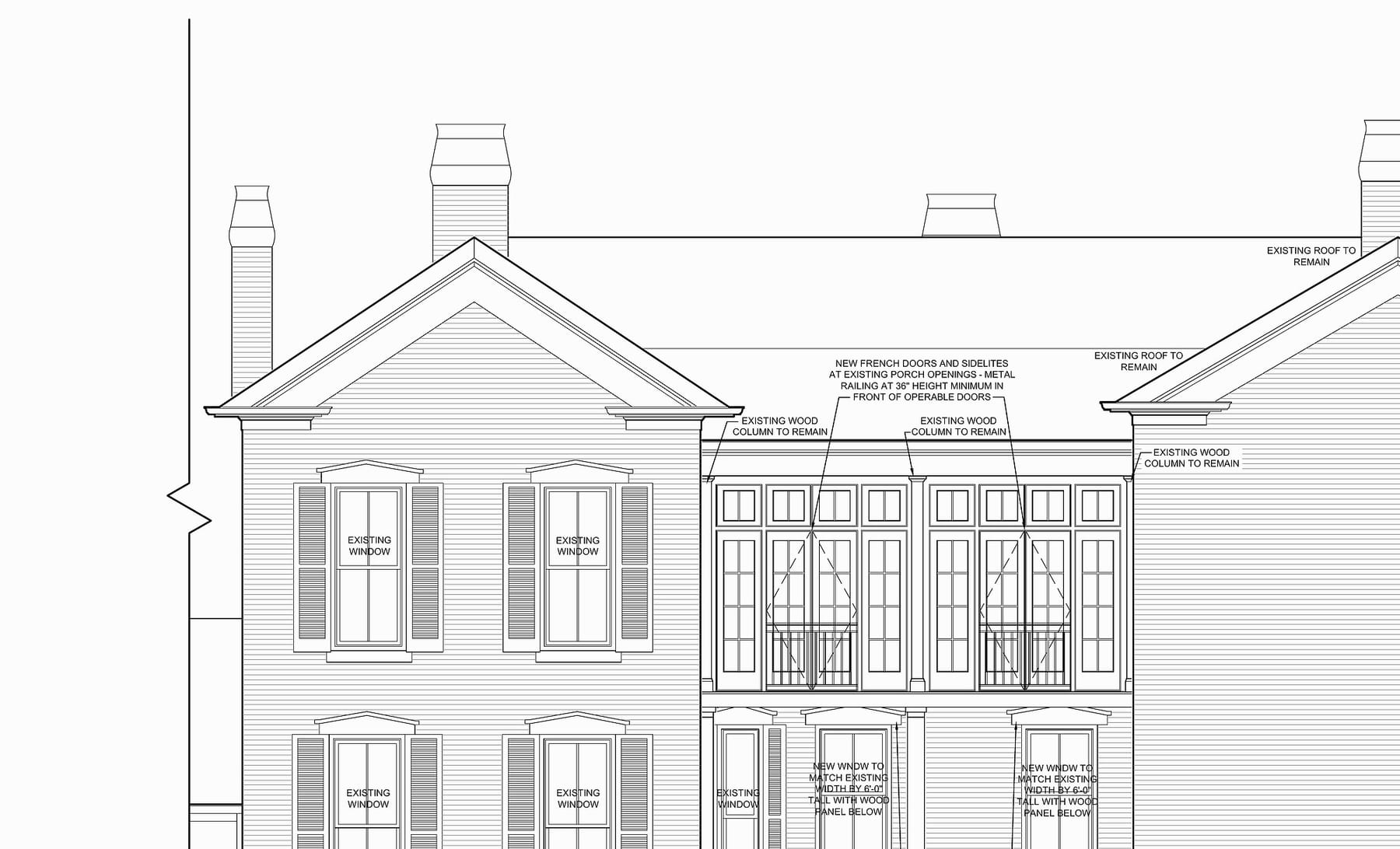
It starts in the house, not on a call. We walk the rooms and ask what each one should do at seven in the morning and at ten at night. If the house is still drawings, we walk the plans: a keypad moved on paper costs nothing; moved after drywall, it costs a wall.
You get
A walk booked from the site — by phone, by video or in person
A slot checked against live availability before it confirms
A meeting link, if you choose video
02
Design, and the proposal
The plansWalked on paper while the house is still drawings.
The proposal is a page, not an attachment. Toggle an option, pick from a group, swap an alternate — every number re-foots. A question at eleven at night is answered from your proposal, not from a brochure.
You get
The whole proposal on one link, with your selections live
Signing by typed name, with a frozen copy of the exact terms
A deposit by card or bank transfer — or a check
The same link, after you sign, as your receipt
03
Prewire and rough-in
The hardest deadline, because the window belongs to somebody else. Between framing and drywall, every cable is pulled, labeled and terminated at both ends — and photographed, because those photographs are the only record of what is behind the drywall.
You get
The weekly build note begins, in plain English
What happened, what is next, who is coming and when
Photographs from inside the walls, before they close
Phases 04 – 06
Built in the shop. Finished in the house.
The system is switched on once before it arrives, and finished by the same crew that pulled the wire.
The shopBuilt, labeled and switched on once before it ships.
04
Rack build and bench programming
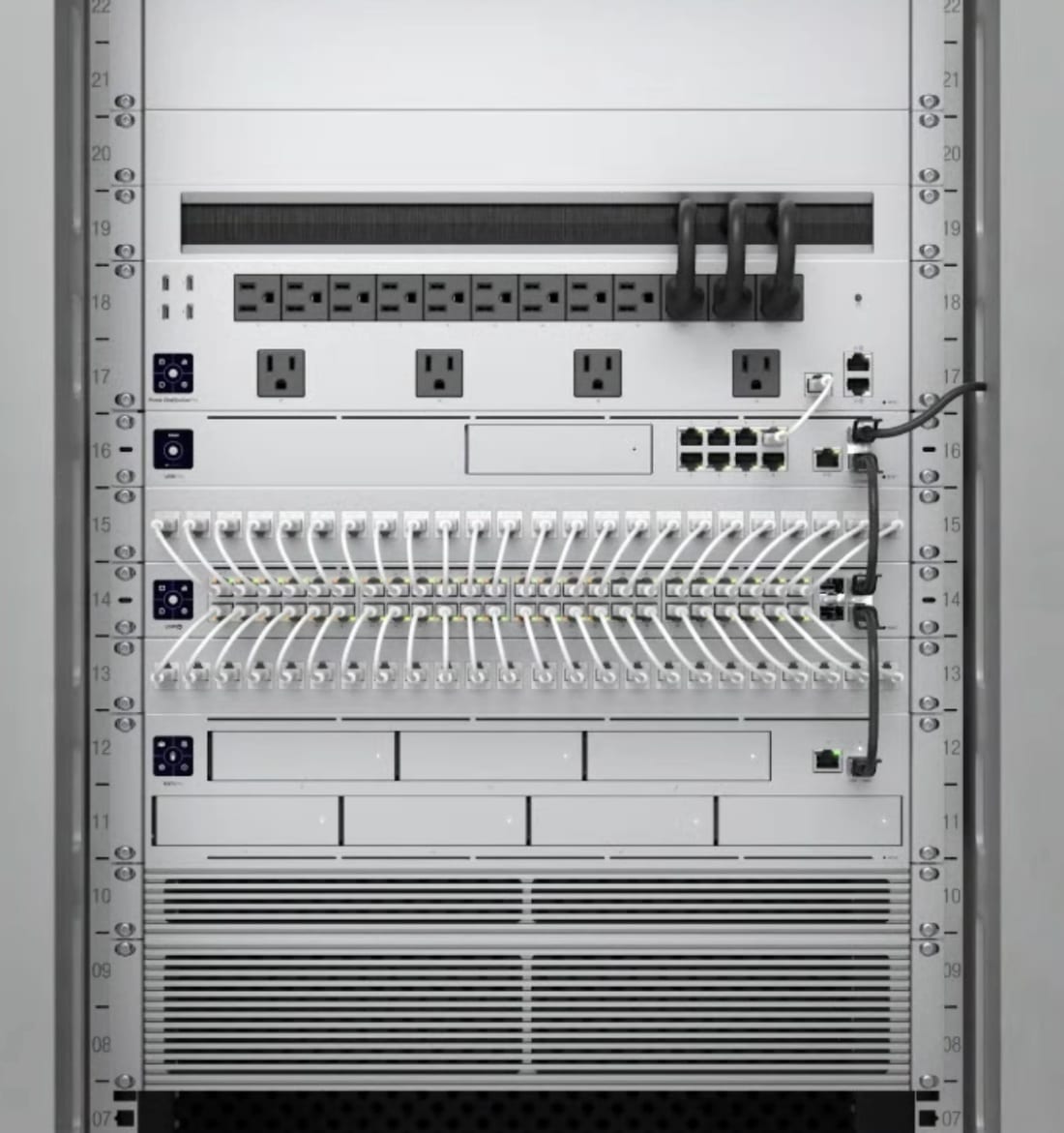
The system is built in our shop. Racks are laid out and loaded, every device labeled, every termination dressed on a bench. The first pass of programming is tested against the real hardware, so what arrives has already been switched on once.
You get
The weekly note, still running
A “waiting on you” list — a finish, a fabric, a placement
Every decision we need in writing, not in a voicemail
05
Install
Trim-out is the visible week, and the one people judge. Keypads go in plumb, speakers align to the ceiling grid, and every labeled cable lands on the port its label names — by the same crew that pulled the wire.
You get
A link showing where the van is, on a map
A text when the technician is close
The crew that pulled the wire, back to finish it
06
Programming and commissioning
Hardware is bought; behavior is written. Scenes are tuned to how the light falls in your rooms, engraving says what each button does, and a theater is calibrated in the room it lives in.
You get
A schedule timeline, from proposal sent to deposit received
Each billing milestone, with its trigger and status
Planned and actual start and finish — read-only, the record
Phases 07 – 09
Handed over. Then kept.
A handover that does not expire when we drive away, and a first ninety days of adjustments — not service calls you have to justify.
HandoverWalked, written down, then taught on your own keypads.
07
Walkthrough, training and handover
We walk the finished house and write down everything that is not right — that list is ours to close, not yours to chase. Then training on your own keypads. The test: if you sell the house, can a stranger understand your system without opening a wall?
You get
A plain-English guide to how your system works
The as-built list, with model and serial numbers
Warranties tied to those serials, and photographs by phase
On a link that does not expire when we drive away
08
The first ninety days
This is when a system settles, or starts to annoy you. Almost none of it is failure; it is fit — a scene a shade too dim in February, a schedule that assumed you leave at eight when you leave at seven. Adjustments, not a service call you have to justify.
You get
Your project page: its stage, its phases, anything invoiced and outstanding
One card naming your actual next step
Which is usually nothing — and says so
09
Warranty and service
Workmanship — wiring, terminations, mounting — is covered for five years, and equipment carries its own manufacturer warranty on top. The service plans page lays out what ongoing coverage includes. Priority response is not something you buy: every customer has it for as long as they own the system.
You get
Five years on our workmanship
Each warranty on file against its serial — a claim in year four is a lookup
Priority response, for as long as you own the system
The price
One fixed price.It moves only when you approve a change.
After a no-cost site walk you get a fixed price, not a range by email. If something changes later, it becomes a change order — and it is your approval, not a conversation, that authorizes the work and the billing.
Accepting is signing: your typed name becomes the signature on file, with a timestamp and a frozen copy of the exact terms.
Changes and repairs
When the plan meets the house.
Every project changes. The failure mode is the change nobody wrote down — it surfaces in the final invoice as a number you did not agree to.
What a change looks like
A change becomes a change order.
1A written reasonA change order cannot be sent to you without one.
2Old against newEvery affected line as it was and as it would be, with the net difference to your total.
3Your approvalYour typed name, your email and an acknowledgement. Declining asks what you want revised.
4One set of booksApproved changes fold into the project record.
When something breaks
A reply within one business day.
A ticket from your portal takes about a minute: a subject, what is happening, which room or device, a priority, and a category — a service call, a warranty claim, or something left from the punch list.
A ticket number comes back immediately, and you reply on the ticket rather than starting a new email chain. The number on this page still works — a portal is a record, not a receptionist.
Already a customer? It’s all waiting for you.
Everything above arrives as a link by email — nothing to install, no password. Projects, invoices and tickets live at customer.integrateit.tech, signed in with a link by email or text.
It depends far more on your house than on us. A retrofit in a finished home can be scoped, built and commissioned inside a few weeks; a whole-house system in new construction runs alongside the build for the better part of a year.
What happens if I want something changed after I have signed?
It becomes a change order, and one cannot be sent to you without a written reason for it. You get a link showing every affected line old-versus-new and the net difference to your total. Approving takes your typed name, your email and an acknowledgement; declining requires you to say what you want revised.
Can I see progress without calling someone?
Yes. Your project manager publishes a weekly note to your portal: the phase in plain English, what happened, what is next, who is coming and when, anything we are waiting on from you, and photographs. A quiet week is reported as a quiet week, and nothing reaches you unreviewed.
What do I actually get at the end?
A handover package, on its own link, that does not expire when we leave: a guide to how your system works, the as-built equipment list with model and serial numbers, the warranties tied to those serials, and photographs grouped by phase.
How fast do you respond when something breaks?
Reply within one business day. Opening a ticket from your portal takes about a minute, and a ticket number comes back immediately. From there you watch it move: opened, first response, accepted, scheduled, resolved.
Is the portal extra, or does every customer get it?
Every customer gets it, and there is nothing to buy or install. The proposal, the change orders, the arrival tracking and the handover package arrive as links we email you — no account, no password. The signed-in portal holds the standing record of your projects, invoices and tickets.
How much does a typical project cost?
It depends on the room, the home and how far you want to take it. A single theater, a lighting system and a whole-home integration are different projects with different drivers. We give a fixed price after a no-cost site walk, not a range by email. Call or text and we’ll schedule it.
What’s included in the five-year workmanship warranty?
Our workmanship — every wire, every termination, every install detail we touched. If a Lutron keypad stops working because of how we mounted it, that’s on us. If the keypad itself fails, we coordinate the manufacturer warranty (Lutron, Control4, etc. all carry their own coverage), and the terms for each piece are written down at handover. The full terms are on the warranty page.
Do you offer financing?
We don’t carry financing in-house, but our typical clients use a home-equity line or a builder’s construction loan for new builds. We’re happy to coordinate billing milestones with your bank or builder so it fits their draw schedule.